If there is a standby light on the television, but it is otherwise not turning on, do not worry; you are in good company. This is one of those very usual problems when it comes to TVs, and it is mostly a low-budget fix.
In this guide, we cover 7 simple ways to fix a TV with power that won’t turn on before you call in a technician.
Reasons Your TV Wont Turn On But Has Power
Since the standby light is on, the TV gets power but something is preventing it from turning on. These are:
- Remote control malfunction or dead batteries
- Internal power supply malfunctioning
- Capacitor failure in the motherboard of the TV
- Firmware issues/software errors
Loosely connected or faulty HDMI/AV connections
Overheating shutdown
Fix 1: Power Cycle Your TV
Sometimes, resetting is all your TV needs to be.
Try the following steps:
- Unplug your TV from the wall outlet.
- You should keep holding the power switch of the TV (not the remote) for 30 seconds.
- Then, plug it back and upon the power button again.
This clears the temporary glitches causing television power but not turning on.
Fix 2: Check the Remote Control
- The remote may be the problem not the television.
- Get some new batteries.
- Try to use the physical switch on the television for an on-and-off test.
If the remote sensor is blocked from the television, then clear the area of dust or some object.
Fix 3: Check the Power Cord and Wall Outlet
Even though the standby light is on, some unreliable supply of electricity can prevent the TV from turning on.
- Test your TV on another outlet.
- When possible, use a different power cord.
And cheap surge protectors are some the reasons of inconsistent voltage.
Fix 4: Unplug all External Devices
Connected devices such as gaming consoles, soundbars, or HDMI wires can sometimes hinder a TV from starting.
- Unplug all HDMI, USB, and AV cables.
- Try to start the television without any connected external devices.
- Try to reconnect the devices one by one to find out the faulty one.
Fix 5: Factory Reset (for Smart TVs)
A reset will fix the TV with software issues.
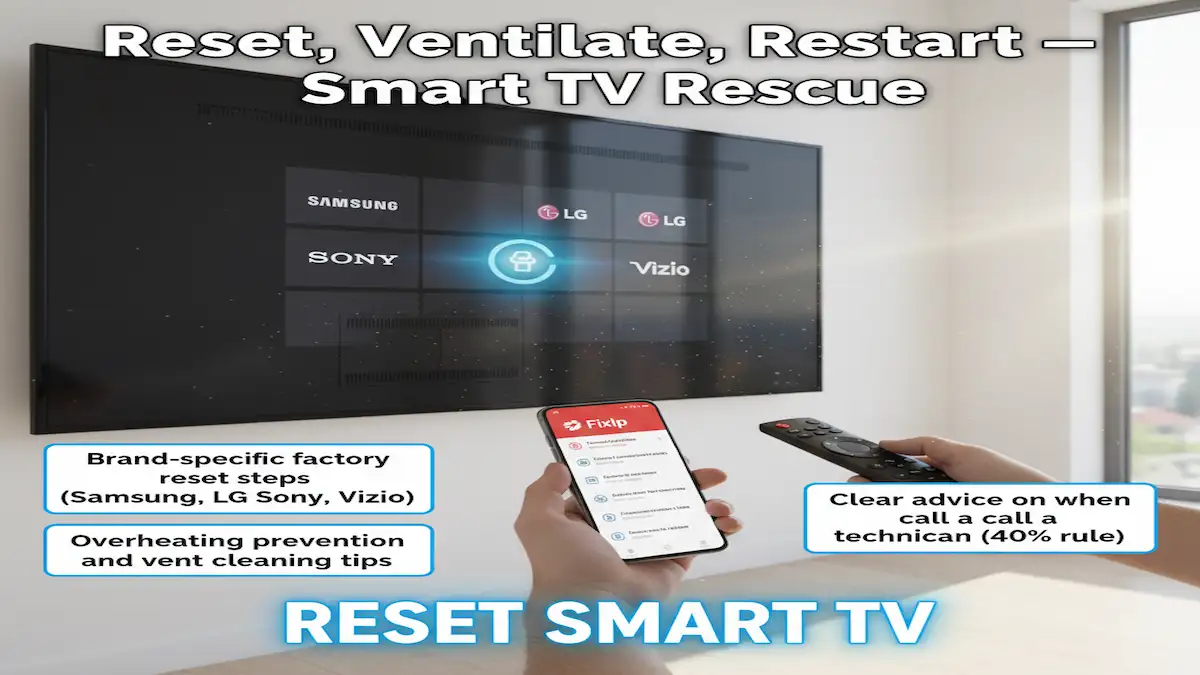
To reset most smart TVs (Samsung, LG, Sony, Vizio, TCL), there are button combinations or will reset via the remote menu (whenever the screen turns on for a short moment).
Example: Most TVs can tap on the power plus volume down button for 10–15 seconds while plugging it back in. Please refer to the brand’s manual for exact steps.
Fix 6: Check for Capacitor or Power Board Damage
Only DIY it when you are comfortable with electronics.
- Remove the back panel from the TV.
- Observe the power supply board for swollen or leaking capacitors.
- Replace those that are damaged-usually affordable but require soldering.
Not confident, this is when to call a technician.
Fix 7: Overheating Protection Mode
Today, modern TVs detect overheating and shut down automatically.
- Make sure that the TV has enough breathing space.
- Remove the dust accumulation surrounding the vents.
If overheating persists, the cooling fan or internal parts may need servicing.
When to Call a Technician
Now, in case you do have that issue, it might be because of something broader, for example, having:
- A faulty mainboard
- Broken backlight system
- Internal wiring failure
At this stage, the repair could rise to $100–$300 depending on brand and part. Older TVs usually cost less to repair than getting a new one.
Related Posts
Q: Why my TV won’t turn on but a red light is on?
A: This usually leads to an issue related to a power supply or capacitance. In most cases, perform power cycling first.
Q: My TV clicks and then won’t turn on, what does that mean?
A means clicking most probably suggest a failing capacitor located on the power board.
Q: Is it worth repairing a TV that won’t turn on?
Usually, if the cost of repair is less than 40% of the price of the television when it was bought, repair is worth it. Otherwise, it makes more sense to have one replaced.
Final Thoughts
Don’t panic when your TV doesn’t turn on, although it’s still powered. Most of the time, reset, faulty remote, or loose cable cause the problem.
Use these seven proven fixes to save you some time and money before calling a technician.