Is your microwave running but not heating food? This problem can be really frustrating. It’s even more so when you need your microwave for meals every day. Before you call a technician, there might be an easy fix.
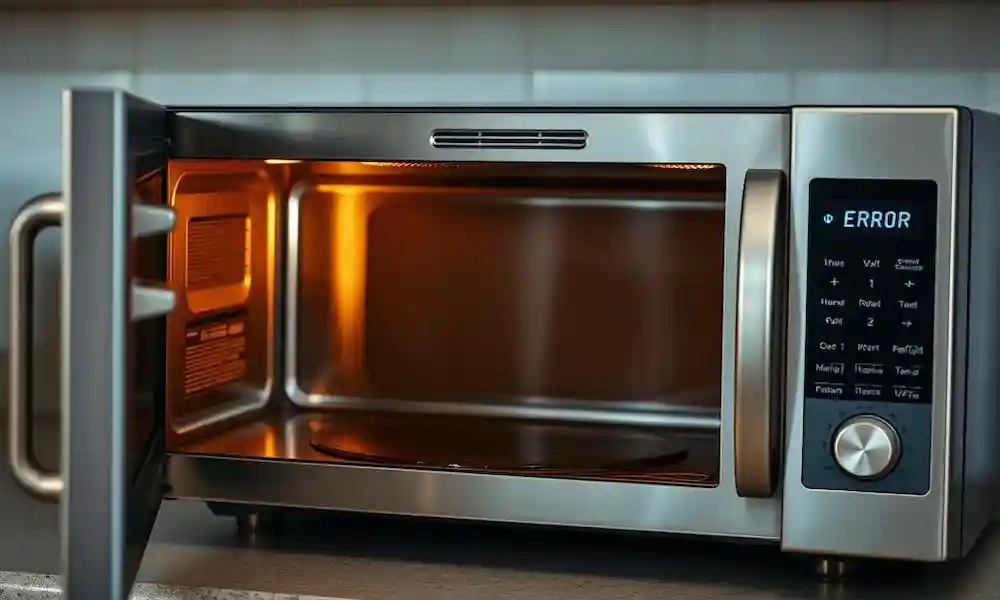
Many people face this issue. Their microwave seems to work – the turntable spins, and the lights turn on. But, the food stays cold. This could be because of a few reasons, like a broken magnetron or a faulty capacitor. It could also be something simple, like a dirty microwave or a door that’s not closed right.
Microwave running but food still cold? Don’t panic—most of the time, it’s a quick fix you can handle yourself. Before calling a technician, try these five simple solutions.
Key Takeaways
✅ Check the Door Switch & Interlock
✅ Inspect the High-Voltage Diode
✅ Rule Out Power Issues
✅ Test the Thermal Cutout/Thermostat
✅ Troubleshoot the Magnetron
Understanding Why Your Microwave Isn’t Heating
Figuring out why your microwave isn’t heating is the first step to fixing it. Usually, a microwave not heating is due to a few common problems. These can often be fixed without needing a professional.
Common Symptoms of a Non-Heating Microwave
Spotting the symptoms is key. If your microwave doesn’t heat or heats unevenly, it might have a faulty part. Look out for sparks, odd noises, or if it won’t turn on.
| Symptom | Possible Cause |
|---|---|
| Not Heating | Faulty Magnetron or High Voltage Diode |
| Uneven Heating | Turntable Issue or Stirrer Problem |
| Sparks or Arcing | Food Debris or Faulty Waveguide Cover |
How Microwaves Work: The Basics
Microwaves use electromagnetic waves to heat food. These waves make water molecules in food vibrate, creating heat. The magnetron creates these waves. Knowing this helps in finding the problem.
Why Troubleshooting First Saves Money
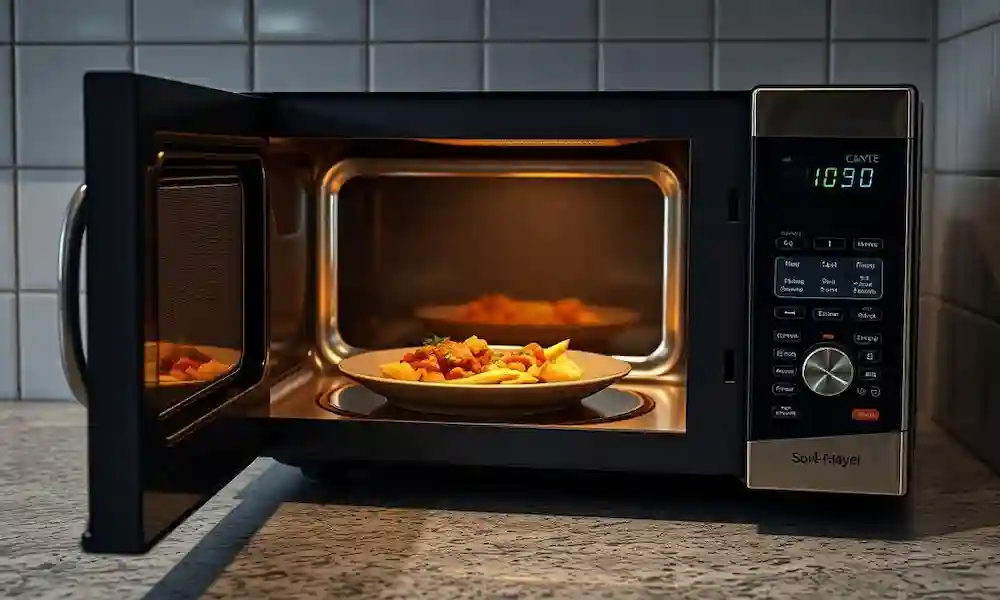
Trying to fix it yourself before calling a technician can save money. Many problems are easy to solve, like checking the door switch or making sure it’s plugged in. Fixing it early can prevent expensive repairs or buying a new one.
Safety First: Precautions Before DIY Microwave Repair
Before you start fixing your microwave, it’s key to know the safety steps. If your microwave isn’t heating after a power outage, or if it’s not heating but the light and fan work, there are important safety tips to follow.
Electrical Safety When Working with Microwaves
Microwaves use high voltage electricity, which can be dangerous. Always unplug the microwave before starting any repair work. Be careful of capacitors, as they can hold electrical charge even when unplugged.
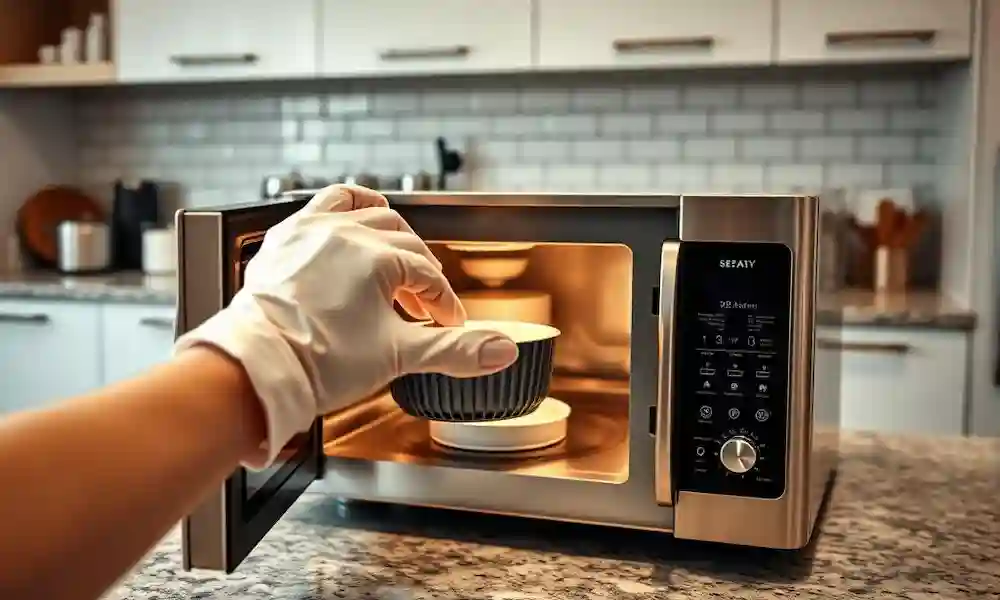
Tools You’ll Need for Troubleshooting
Having the right tools is key for safe and effective troubleshooting. You’ll need a multimeter, screwdrivers, and pliers. Make sure to use insulated tools to avoid electrical shock.
When to Stop and Call a Professional
If you’re not sure about any part of the repair or if the issue keeps happening after troubleshooting, it’s time to call a pro. Some repairs, like those involving the magnetron, are best left to experts. This is because they carry a high risk of electrical shock or other dangers.
| Safety Precaution | Description |
|---|---|
| Unplug the Microwave | Prevents electrical shock during repair |
| Use Insulated Tools | Reduces the risk of electrical shock |
| Be Cautious of Capacitors | Avoids electrical shock from stored charge |
Fix #1: Check the Door Switch and Interlock System
If your microwave won’t heat, the door switch is the first thing to check. This safety feature ensures the microwave only runs when the door is shut.
How Door Switches Affect Microwave Operation
The door switches are key parts that cut off power to the microwave when the door is open. If these switches go bad, the microwave won’t get the signal to heat up.
Identifying Door Switch Problems
To spot issues with the door switch, look for any damage or wear. Make sure the switches are lined up right and working right.
Use a multimeter to check the door switches. Set it to ohms and touch the probes to the switch terminals. If it’s working, you’ll see a reading of zero or near zero ohms when the door is closed.
Replacing Faulty Door Switches
If you find a bad door switch, replacing it is easy. First, find the right replacement parts.
Finding the Right Replacement Part
To find the right part, check your microwave’s manual or the manufacturer’s website for the part number. Make sure the new switch fits the original specs.
Step-by-Step Replacement Guide
With the new switch, follow these steps: 1. Unplug the microwave. 2. Take off the outer cover or panel to get to the door switch. 3. Disconnect the wires from the bad switch. 4. Take out the bad switch and put in the new one. 5. Reconnect the wires and put the microwave back together.
By following these steps, you can fix your microwave’s heating problem. This is a key step in learning how to fix a microwave that won’t heat.
Fix #2: Inspect the High Voltage Diode
If your microwave isn’t heating right, check the high voltage diode first. This part is key to your microwave working well. Knowing how it works can help you find and fix problems.
The Role of the Diode in Microwave Heating
The high voltage diode is a vital part of the microwave’s electrical system. It helps the magnetron create the high voltage needed for heating. A bad diode can stop the magnetron from working right, causing heating problems.
Signs of a Failed Diode
Spotting a bad diode means looking for certain signs. If your microwave doesn’t heat or heats unevenly, it might be the diode. Also, a bad diode can make your microwave sound odd or spark.
Testing and Replacing the Diode
To find out if the diode is bad, you need to test it with a multimeter. This involves checking the diode’s resistance to see if it’s working right.
Using a Multimeter to Test the Diode
Put your multimeter in diode test mode and connect it to the diode. A good diode shows low resistance in one direction and high in the other. If it shows the same reading in both directions or no reading at all, it’s probably bad.
Safe Diode Replacement Procedure
Replacing the diode needs care. Make sure the microwave is unplugged and cool before you start. It’s wise to check the user manual or get help from a pro if you’re not sure. Make sure the new diode fits your microwave model and think about the microwave magnetron replacement cost when planning your repair.
By following these steps, you can find and possibly fix a bad high voltage diode. This should get your microwave heating again.
Fix #3: Easy Fix Microwave Not Heating Food – Power Issues
If your microwave isn’t heating, check the power first. Simple checks can fix power issues. This saves time and might avoid needing a pro.
Checking Circuit Breakers and Power Supply
Start by looking at your home’s circuit breaker or fuse box. A tripped breaker or blown fuse can stop your microwave from working. Make sure the breaker hasn’t tripped or a fuse hasn’t blown. If it has, reset the breaker or replace the fuse.
Next, check if the microwave is plugged into a working outlet. A loose plug or a bad outlet can cause problems. Try plugging it into a different outlet to see if that fixes it.
Resolving Issues After Power Outages
Power outages or surges can mess with your microwave. If you’ve had a power outage, it might have affected your microwave. Unplug it, wait a few minutes, and then plug it back in. This simple reset might fix it.
Testing the Microwave’s Internal Fuse
Microwaves have an internal fuse to protect against power surges. If this fuse is blown, your microwave won’t heat. To check the fuse, you’ll need to look inside the microwave.
Locating the Internal Fuse
The fuse is usually near the power input or on the control board. Check your microwave’s manual or online for the exact spot for your model.
Replacing a Blown Fuse Safely
If the fuse is blown, replace it with a new one of the same rating. Make sure the microwave is unplugged before you start. If you’re not sure, it’s best to get help from a pro.
Microwave Troubleshooting Guide
| Issue | Possible Cause | Fix |
|---|---|---|
| Microwave not heating | Tripped circuit breaker or blown fuse | Reset breaker or replace fuse |
| Microwave not heating after power outage | Power surge affected internal controls | Unplug, wait, and plug back in |
| Microwave not heating | Blown internal fuse | Replace fuse with same rating |
By checking these power issues, you might find an easy fix for your microwave. If not, it’s time to look for other causes or get help from a pro.
Fix #4: Thermal Cutout and Thermostat Problems
When your microwave isn’t heating, it might be due to its thermal cutout or thermostat. These parts are key to stopping the microwave from getting too hot. But if they fail, they can stop the microwave from heating up.
Why Thermal Protectors Cause Heating Failures
Thermal protectors, like cutouts and thermostats, turn off the microwave when it gets too hot. If your microwave isn’t heating, it might be because the thermal protector has kicked in. This is a safety measure to avoid damage and fires.
Identifying Overheating Issues
To figure out if the thermal cutout or thermostat is the issue, look for signs of overheating. These include a burning smell, melted plastic, or using the microwave too much without letting it cool. If you see these signs, the thermal protector has likely been activated.
Resetting or Replacing Thermal Components
In some cases, letting the microwave cool down can reset the thermal cutout. But if the problem keeps happening, you might need to replace the faulty part. Always unplug the microwave before starting repairs to avoid getting shocked.
Finding Thermal Cutouts in Your Microwave
The thermal cutout is usually near the magnetron or on the capacitor. Check your microwave’s manual or online to find it for your model. Once you know where it is, you can test it with a multimeter to see if it’s working right.
Testing and Replacement Procedures
To test the thermal cutout, use a multimeter to check for continuity. If there’s no continuity, it has tripped or is broken and might need to be replaced. Replacing it means taking off the old part and putting on the new one, making sure all connections are tight.
If you’re not sure about DIY repairs or if the problem doesn’t go away after replacing the thermal cutout or thermostat, it’s time to get help from a pro. Knowing about and fixing thermal cutout and thermostat problems can solve the issue of your microwave not heating but having power.
Fix #5: Magnetron Troubleshooting
When your microwave won’t heat, the magnetron is often the culprit. This key part turns electrical energy into microwave energy to warm your food. If it’s not working right, your microwave won’t heat as it should.
Signs of a Failing Magnetron
A magnetron on the brink of failure might show several signs. These include:
- Microwave not heating food at all
- Food being heated unevenly
- Strange noises during operation
- Visible sparks inside the microwave
If you see any of these signs, it’s likely your magnetron needs to be replaced.
Testing a Magnetron Without Special Equipment
You can do some basic checks without special tools. Look for any physical damage or wear on the magnetron. Also, check the connections for corrosion or damage. If you’re skilled, you can use a multimeter to test the magnetron’s resistance, but this requires some knowledge.
Understanding Magnetron Replacement Costs
Replacing a magnetron can be expensive. The cost includes the part itself and labor if you hire a pro.
Average Cost Breakdown for Magnetron Replacement
The cost for a new magnetron can be between $100 and $300, depending on your microwave’s model and brand. Labor can add another $100 to $200 if you have a pro install it.
DIY vs. Professional Replacement Considerations
Whether to replace the magnetron yourself or hire a pro depends on your DIY skills. DIY can save on labor costs but requires careful handling of electrical parts and ensuring the new magnetron is installed correctly.
When deciding to fix or replace your microwave due to a faulty magnetron, consider the microwave magnetron replacement cost versus buying a new microwave. This choice often depends on your microwave’s age, condition, and whether other parts are wearing out.
When Your Microwave Has Power But Stil Won’t Heat
If your microwave has power but doesn’t heat, several parts might be the problem. Knowing what could be wrong helps you figure out and maybe fix it.
Control Board Malfunctions
The control board is like the brain of your microwave. It controls the heating and other functions. If it malfunctions, your microwave won’t heat.
Diagnosing Control Panel Issues
To find out if the control panel is the issue, look for error messages or beeps. If the display isn’t working right, it might mean the control board is the problem.
Reset Procedures for Different Microwave Brands
Resetting your microwave might solve the problem. The steps to do this vary by brand:
- For Panasonic microwaves, unplug, wait 30 seconds, then plug back in.
- For Whirlpool models, press “Off/Clear” twice and then restart.
Capacitor Problems
A bad capacitor can stop your microwave from heating. It stores energy for the magnetron to make heat.
Signs of a capacitor problem include a humming sound or the microwave not starting. Replacing it is risky because of the danger of electrical shock.
Transformer Failures
The transformer boosts the voltage for the magnetron. If it fails, the magnetron won’t get enough power to heat food.
Microwave Components and Failure Signs
| Component | Function | Signs of Failure |
|---|---|---|
| Control Board | Controls microwave functions | Error messages, unresponsive buttons |
| Capacitor | Stores electrical energy | Humming noise, failure to start |
| Transformer | Steps up voltage for magnetron | No heat, possible burning smell |
As shown in the table, each part is important for heating. Finding the bad part is the first step to fixing it.
When to Call a Professional Technician
Knowing when to stop DIY repairs and call a pro is key. Trying to fix your microwave yourself can save money. But, there are times when a professional’s help is needed.
Signs That DIY Repair Isn’t Working
If your microwave won’t heat after trying DIY fixes, it’s time for a pro. Other signs include:
- Persistent issues despite replacing parts as suggested
- Unfamiliarity with the internal components and their repair
- Presence of complex problems like a faulty magnetron or control board issues
What to Expect from Professional Microwave Repair
A pro will find the problem and give you a repair quote. Here’s what you can expect:
| Service | Description |
|---|---|
| Diagnosis | Accurate identification of the problem |
| Quotation | Detailed estimate of the repair cost |
| Repair | Efficient resolution of the identified issue |
Finding a Qualified Microwave Repair Technician
To find a reliable technician, consider these tips:
- Check online reviews and ratings
- Ask for referrals from friends or family
- Verify certifications and experience in microwave repair
Understanding when to seek professional help and what to expect can guide your decision. This way, you can fix your microwave efficiently.
Is It Worth Fixing a Microwave That Won’t Heat?
A non-heating microwave makes you wonder: should you repair or replace it? The choice depends on several things.
Comparing Repair Costs to New Microwave Prices
Fixing a microwave might cost as much as a new one, if the problem is with the magnetron. The microwave magnetron replacement cost can be between $100 and $300. It’s key to compare this with the price of a new microwave.
Typical Lifespan of Modern Microwaves
Modern microwaves are built to last 7 to 10 years. If your microwave is close to or past this age, it might be cheaper to get a new one.
Environmental Considerations of Replacement
Replacing a microwave affects the environment, from disposing of the old one to making a new one. Yet, newer microwaves use less energy, which can help the planet over time.
When Upgrading Makes More Sense Than Fixing
If your microwave is old or fixing it costs more than half of a new one, it’s wise to get a new one. New microwaves have better features and safety. If you’ve fixed your microwave often, it’s time to replace it to save money and hassle.
In summary, deciding to fix or replace a microwave depends on the repair cost, its age, and your needs. Thinking about these points will guide your choice.
Conclusion
Fixing a microwave that won’t heat can be easy with the right help. Start by checking the door switch and the high voltage diode. Then, look into power issues, thermal cutout, and thermostat problems. Lastly, check the magnetron.
These simple steps can save you money and make your microwave last longer. Before you call a repairman, try these fixes yourself. Knowing how your microwave works and common problems can help you decide what to do next.
By trying these easy fixes, you might get your microwave working again. If you’re not sure or feel uncomfortable fixing it yourself, get help from a professional. They can make sure your microwave is fixed safely and right.
Related Posts
FAQ
Why is my microwave not heating but has power?
What are common reasons a microwave stops heating?
How do I fix a microwave that is not heating properly?
Is it worth fixing a microwave that won’t heat?
What is the average cost to replace a microwave magnetron?
Can I replace a microwave magnetron myself?
Why did my microwave stop heating after a power outage?
How do I know if my microwave’s control board is malfunctioning?
“Still not heating after trying these fixes? It might be time for a professional. Compare repair costs vs. replacement to see what makes sense for you.”