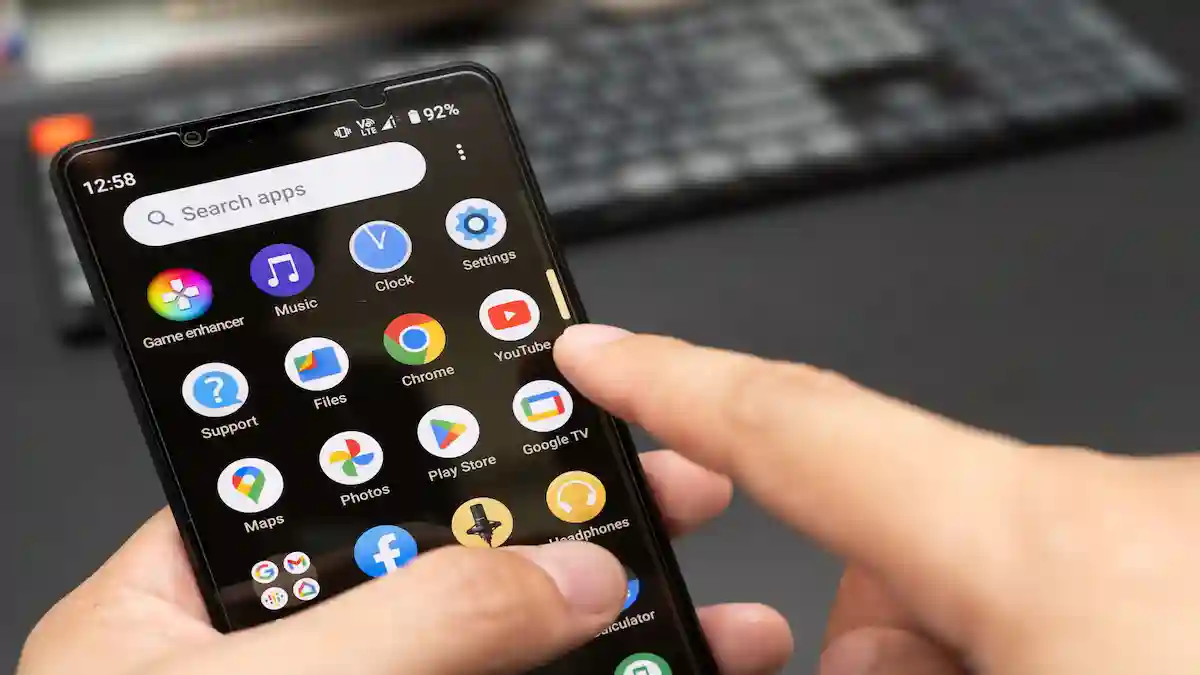
Accidentally deleted app data on your phone. No need to panic: There are many options for recovery, whether it is WhatsApp messages you lost, deleted photos, or app files that you erased.
So in this guide, you will learn the various methods to recover deleted app data for Android and iOS; those include free tools, recovery software, and when one can recover—and when one cannot.
Can You Recover Deleted App Data?
Yes, in a lot of instances, app data on the Android or iOS could be restored. The success would depend upon:
- If you had a backup, either through Google Drive, iCloud, or local storage.
- The time of deletion of data.
- If new data overwrites the deleted files.
Method 1: Restore App Data From Backup
The easiest way is to check if you already have a backup.
On Android:
Open Google Drive > Backups.
Look for the deleted app’s backup.
Restore it during app reinstallation.
For an iPhone:
- Go to Settings > General > Reset > Erase All Content.
- After the reset, restore your iPhone with the latest iCloud backup.
Best suited for: Apps that sync data with cloud services such as WhatsApp, Instagram, and Messenger.
Method 2: Data Recovery Apps
If you haven’t got a backup yet, those apps can help recover lost data directly from internal storage.
Some popular recovery Android apps:
1. DiskDigger Photo Recovery
2. Dr. Fone – Data Recovery
3. EaseUS MobiSaver.
Some popular recovery iOS apps:
1. iMyFone D-Back
2. Tenorshare UltData
3. PhoneRescue for iOS
Steps:
1. Download the chosen recovery app on your PC or directly onto the mobile.
2. Scan your device for lost files.
3. Select and restore data now available.
Note: Provided that some options may require rooting the Android device or jailbreaking the iOS device to recover deeply.
Method 3: Restore from app-specific Cloud Service
Various apps maintain their own cloud backups.
- WhatsApp: Google Drive (Android) / iCloud (iOS).
- Telegram: By default, it stores messages in the cloud.
- Google Photos / iCloud Photos: Restore deleted images from “Trash” within 30 days.
Before opting for third-party tools, check for restoration possibilities inside the app settings.
Method 4: Computer Software for Deep Recovery
If nothing seems to work, call on desktop recovery tools, which offer superior results.
- Recuva (Windows) – Free and widely used to recover deleted app data from SD cards.
- EaseUS Data Recovery Wizard(Windows/Mac) – It works for both Android and iOS devices.
- Dr.Fone Data Recovery- Provides deep scanning options for app-specific files.
Method 5: Reach Out to App Support
If the data belongs to some specific app (say games, notes, or banking apps), try contacting app support. Many developers can assist in recovering data tied to your accounts.
FAQs
Q: Can I restore permanently deleted files on Android without backup?
A: Yes. Using recovery apps like DiskDigger or PC tools like Recuva, but results might vary a lot depending on how much new data is written.
Q: Is there a free way to recover deleted app data?
A: Free apps like DiskDigger (Android) or trial versions of iMyFone (iOS) can restore limited files only. For full recovery, premium tools may be needed.
Q: Can I recover deleted app data from internal storage?
A: Yes, Android data recovery tools scan internal storage sectors for recoverable files.
Q: How do I recover deleted WhatsApp chats?
A: Reinstall WhatsApp and restore from Google Drive (Android) or iCloud (iOS).
Q: What is the best app to recover deleted data on Android?
A: Dr.Fone, EaseUS MobiSaver, and DiskDigger are among the top-rated.
Related Posts
Steps to Avoid Losing Data Again in the Future:
- Backup with Google Drive or iCloud.
- Backup apps from time to time.
- Use an SD Card (Android) for extra storage.
- Do not overwrite deleted files before trying to recover them.
In Conclusion
It is depressing losing app data. However, it is worth mentioning that most of the time app data can be restored.
Start with engine-built back-ups: register on Google Drive/iCloud. Only then, seek for recovery software for a PC-or, when all else fail, contact your app’s support team.
Following these methods, you have maximized your chances of recovering deleted app data on an Android or iOS device.