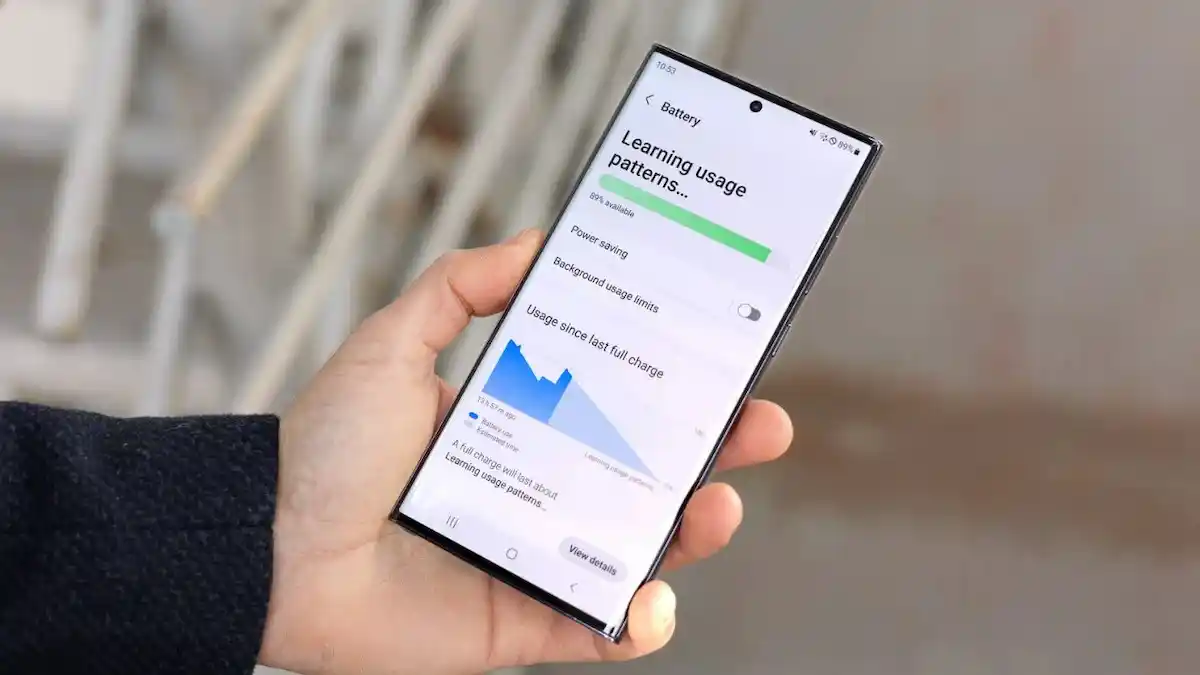
You fully charge your phone at night, but by morning, the battery has already dropped significantly—or worse, it dies in the middle of the day. If this sounds familiar, you’re not alone. Many people ask:
Why is my phone battery dying so fast all of a sudden?
How do I stop my battery from draining so fast?
Why does my phone lose battery when I’m not using it Android?
To be honest, poor battery drain seems to have too many reasons in the background—apps that don’t stop running, wrong settings, weak signal, or worn-out batteries. Anyway, don’t strain yourself; all that can be easily fixed.
In this guide, we are talking about reasons that make your phone battery drain fast along with practical solutions for Android and iPhone users.
Common Reasons Why Your Phone Battery Drains So Fast
1. Apps Working Behind the Scenes in Real Time
Many apps (social media, messaging, ride-hailing) keep refreshing in the background while they are not used by you.
- On an Android, go to Settings > Battery > Background Usage and restrict apps.
- For the iPhone, turn off Background App Refresh under Settings > General.
2. Screen Brightness and Display Settings
The screen of your phone is the biggest battery drainer.
- Do not keep brightness level at a hundred percent.
- Ensure Auto-Brightness is turned on.
- Set screen timeout to 30-60 seconds.
3. Charging Habits Followed
Ever wondered: Why does my phone charge quickly and drain quickly?
The above phenomenon can occur, usually, due to:
- Using cheap or unapproved chargers.
- Charging overnight to 100% every day.
- Heat damage while charging under a pillow or in a case.
✅ Fix: Use certified cables and chargers. Unplug when the phone hits ~80-90%.
4. Software Bugs After Updates
Many users complain:
It is usually due to a buggy iOS or Android update
- Look out for the patches under Settings>Software Update.
- If the problem persists, you could try a reset of the settings (not complete resetting).
5. Weak Network Signal
Your phone does work for reception overtime in low-signal areas, killing the battery quickly.
✅ Fixes:
- Activate Airplane Mode in places where service is unwanted.
- Preferably, you should use Wi-Fi calling as opposed to mobile data.
6. Location Services Always On
GPS is another power-hungry app: maps, weather, and ride-sharing can all request your location in the background.
✅Fix: Only select “While using App” as opposed to “Always On.”
- Android: Settings> Privacy> Location.
- iPhone: Settings> Privacy> Location Services.
7. Ageing or Degrading Battery
Batteries gradually lose capacity as time goes by. If your phone is 2-3 years old, fast drain could just mean the battery is becoming old.
- For iPhones, please refer to Battery Health (below 80% = weak).
- For Androids, you may want to download a battery health app.
How to Stop Battery Drain on iPhone
If you’re an iPhone user asking: How to reduce battery drain iPhone? try these:
Turn on Low Power Mode.
Disable Background App Refresh.
Lower brightness or enable Auto-Brightness.
Use Optimized Battery Charging.
How to Stop Battery Drain on Android
For Android users asking: Why does my phone lose battery when I’m not using it Android? try these:
Check Battery Usage for apps draining power.
Enable Battery Saver Mode.
Turn off features like Bluetooth, Hotspot, and NFC when not needed.
Uninstall unused apps.
Quick Fixes Table