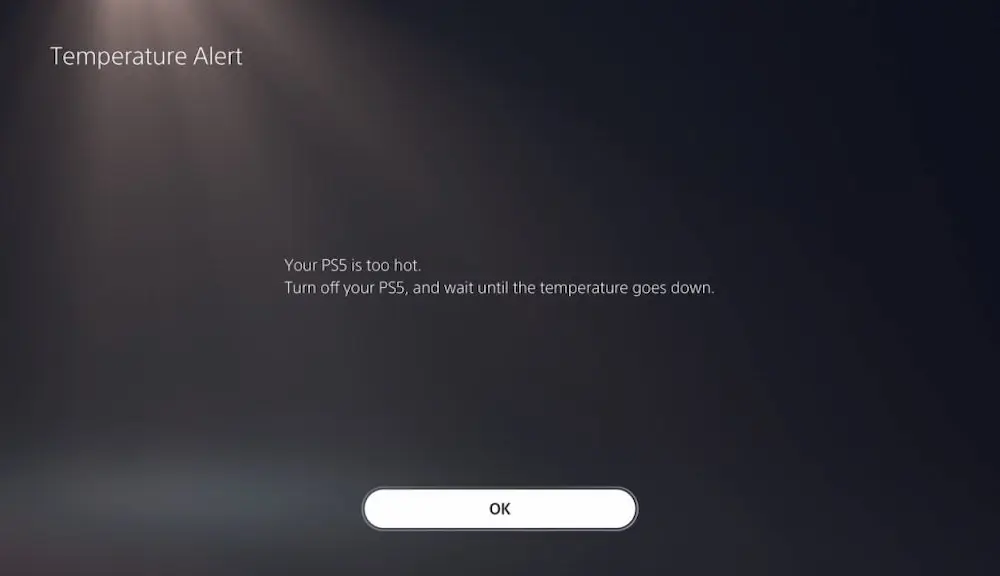
Why Does My PS5 Keep Overheating and How to Fix It

ps5 overheating

PlayStation 5 is a strong console, but like any high-performance machine, there are often overheating issues. So don’t sigh in frustration when your PS5 keeps shutting down, producing overheating messages from time to time, or shutting down completely when winding up with the games. Many have aired claims that the PS5 is overheating even after cleaning or doesn’t feel hot at all but still shows a warning. many site have giving various fixing tips, such as Next Gamer Gen

It’s good to know that most of the PS5 overheating issues have solutions. Here, we will see why the console is overheating, how to address the issue, and what to do if it continues in the future.

Why Is My PS5 Overheating?

Overheating may occur due to some reasons on your PS5. Here are the most widespread:

  • Insufficient Ventilation – Basically, the console requires ample airflow. If it’s inside a relatively enclosed location or happens to be very near to a wall, the heat will build up in a short time.
  • The Dust Issue – The internal vents and cooling fan get accumulated with dust over time, thus causing lower ventilation and overheating.
  • High Room Temperature – Hotter ambient conditions are detrimental to the cooling system of the PS5.
  • Endless Gaming Sessions – Playing demanding games for hours at ultra-high frame rates; certainly causes overheating.
  • Damaged Cooling Fan or Thermal Paste Application – In comical circumstances, hardware issues, such as a dead fan or the baked heat paste, can cause overheating.

Signs Indicating Overheating Of Your PS5

Before sending your console into its most comfortable silence—silence due to overheating—these signs foretell doom:

  • A message indicating overheating will pop up on your display.
  • While playing a game, the cooling fan keeps making loud noise.
  • The console will just turn off on you intermittently without warning, when you were in the middle of a game.
  • Sometimes you’d suddenly notice the game you were treating as relaxing hours of endless fun starting to be temperamental, and start lagging or stuttering here and there.
  • The casing outside will feel extremely hot if you touched it.

Under such conditions, PS5 probably feels the need to shut itself down sharply. One cannot blame it, for it is self-defensive behavior.

How You Can Fix the PS5 Overheating Issue

1. Ventilate Your Console

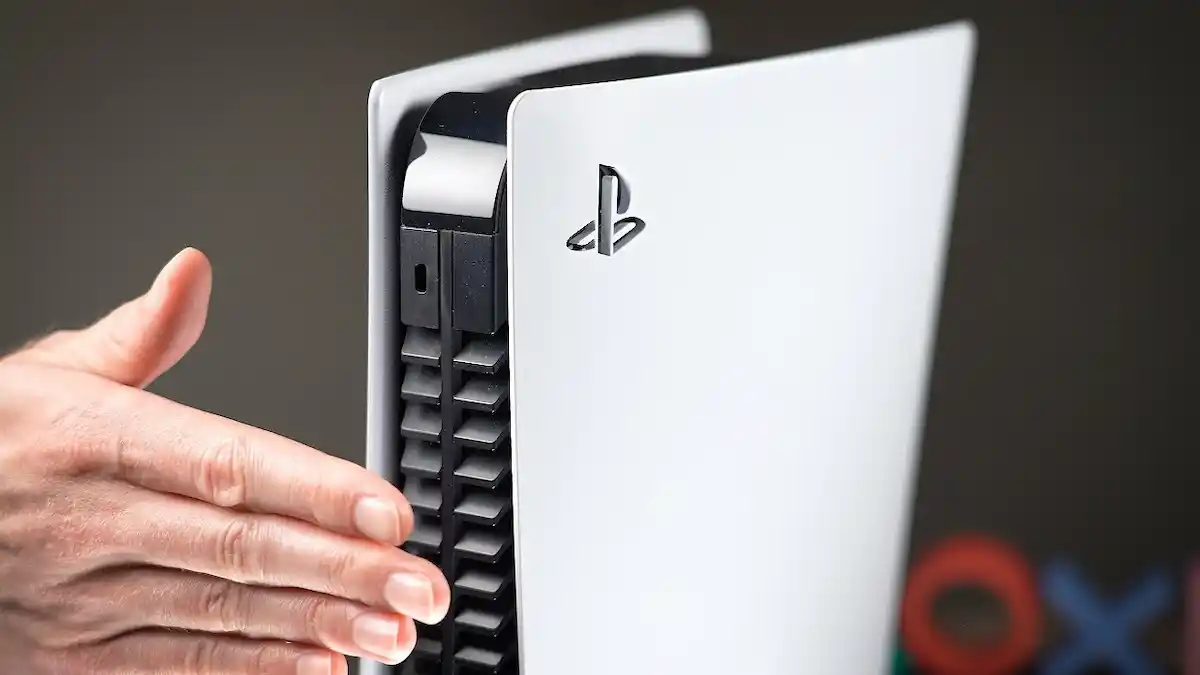
  • Sit the console in an open area, away from any enclosed shelf.
  • Ensure that all sides of the console are given around 4 feet or 10 cm of living space.
  • It’s best to stand the console vertically so that maximum circulation can persist.

2. Clean Your PS5

Without doubt, dirt is the main reason for the overheating. Sony established some dust catchers to ease the cleaning task of PS5.

  • First, switch off and unplug the console.
  • Then carefully take down the side panels.
  • Consider vacuuming the dust catcher and the fan area.

Tip: Avoid using any fabric for cleaning the fan, as that might damage fan blades.

3. Check the Functionality of the Cooling Fan

A faulty PS5 cooling fan trips off overheating even when touched and not so hot all the way.

  • Listen if the fan is very quiet during gameplay; if yes, is bad.
  • If there are any grinding noises, the fan may be clogged or dead.
  • in any case, adhere to Sony’s guidance in case of suspension or replacement.

4. Keep the Room Cold for Your Ps5

The PS5 will perform well within a 50–95°F (10–35°C) room temperature.

  • Avoid being exposed to playing in dripping areas and warm or hot environments.
  • Use an air conditioner, or a fan to cool down the room.
  • Don’t park it near heaters or direct sunlight.

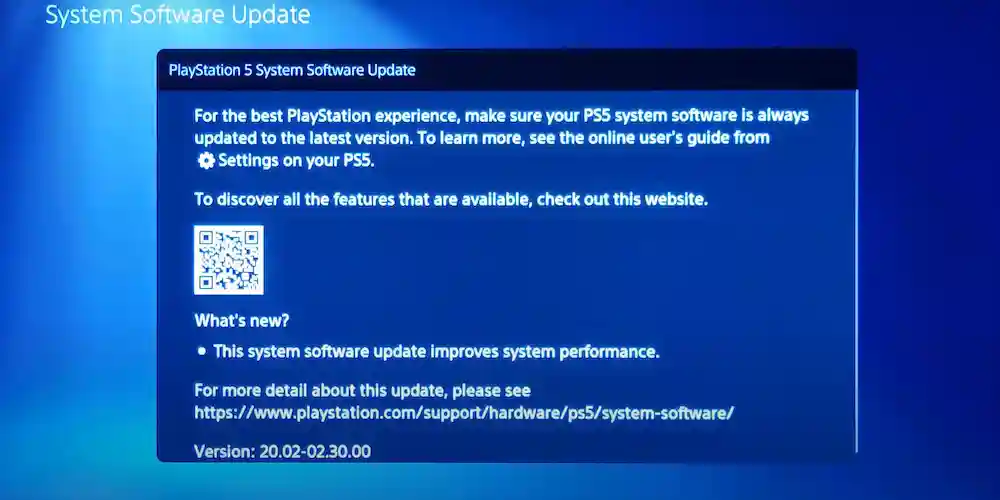
5. Update the System Software

Ps5 software update

At times, software bugs may be the trigger for overheating messages.

  • Make it a habit to go to Settings > System > System Software Update.
  • Ensure that your PS5 has the most current firmware released.

6: Use an optional Cooling Stand

Some of the cooling stands purchased from third parties or fans improve the air circulation within your console, now that it is in warm conditions.

  • Buy quality accessories with good reviews.
  • Don’t buy cheap add-ons that can use up your console’s natural cooling system.

7. Reapply Thermal Paste (Advanced)

If your PS5 is used a little old and overheats, the thermal paste between the processor and the heatsink may need some attention because it has dried up over the time.

  • This is an open console application and is meant only for expert user or technician for doing it.
  • If you are under warranty, let Sony take care of it.

8. Consult Sony

None of the above solutions helps; your PS5 ends up speaking defects in the fan, heatsink, or power supply.

  • Consult Sony PlayStation Support on troubleshooting and repair.
  • Repairs are usually free when the warranty covers the cost.


Related Posts

FAQs Regarding PS5 Overheating

Why does my PS5 suddenly shut down while playing?

This is usually a case when the system goes under high temperatures; it is a safety measure to prevent permanent damage.

What else would cause my PS5 to overheat despite cleaning?

Another cause may be poor ventilation, a bad fan, or dry thermal paste.

What causes the PS5 to overheat yet not very hot?

At times the console itself would not be hot physically, but there could be an issue with the dust or fan and cause error message displays.

Can a PS5 overheat in a cold room?

Yes. Poor ventilation or dust buildup can still cause overheating.

Will a cooling stand reduce overheating on the PS5?

While a cooling stand can help, it’s not a substitute for cleaning out dust and ensuring proper airflow.

Conclusion

If the PS5 keeps getting hot, don’t panic; it’s usually fixable. Start with the basic issues: clean the dust, check your ventilation, and ensure your fan is working properly. Keep your room cool, update your software, and use hardware only when necessary.

Most players find that straightforward things like improvement in airflow and cleaning dust from the PS5 enable them to prevent overheating and subsequent shutdown. If such actions yield no results: then contact Sony support.

These tips help keep your console cool to ensure a long lifespan while allowing the gamer to resume gaming without interruption.

Author

  • next gamer gen for nextgamergen.com

    With over 15 years of gaming experience, Adnan pairs hands-on knowledge and passion in his writing on everything gaming related.

Why Does My PS5 Keep Overheating and How to Fix It

Leave a Reply

Your email address will not be published. Required fields are marked *

Scroll to top